







Responsum vs. OneTrust
EU-based alternative for OneTrust
When you compare Responsum and OneTrust, you’re choosing between a focused, user-friendly privacy platform and an all-encompassing enterprise suite.
OneTrust is one of the market leaders, named a Leader in the Forrester Wave for Privacy Management Software, Q4 2025.1 Its breadth suits large global programs, but mid-sized teams that value speed and simplicity often look for something lighter.
Trusted by privacy teams at leading organizations


Why choose Responsum?
The power you need, without the enterprise overhead
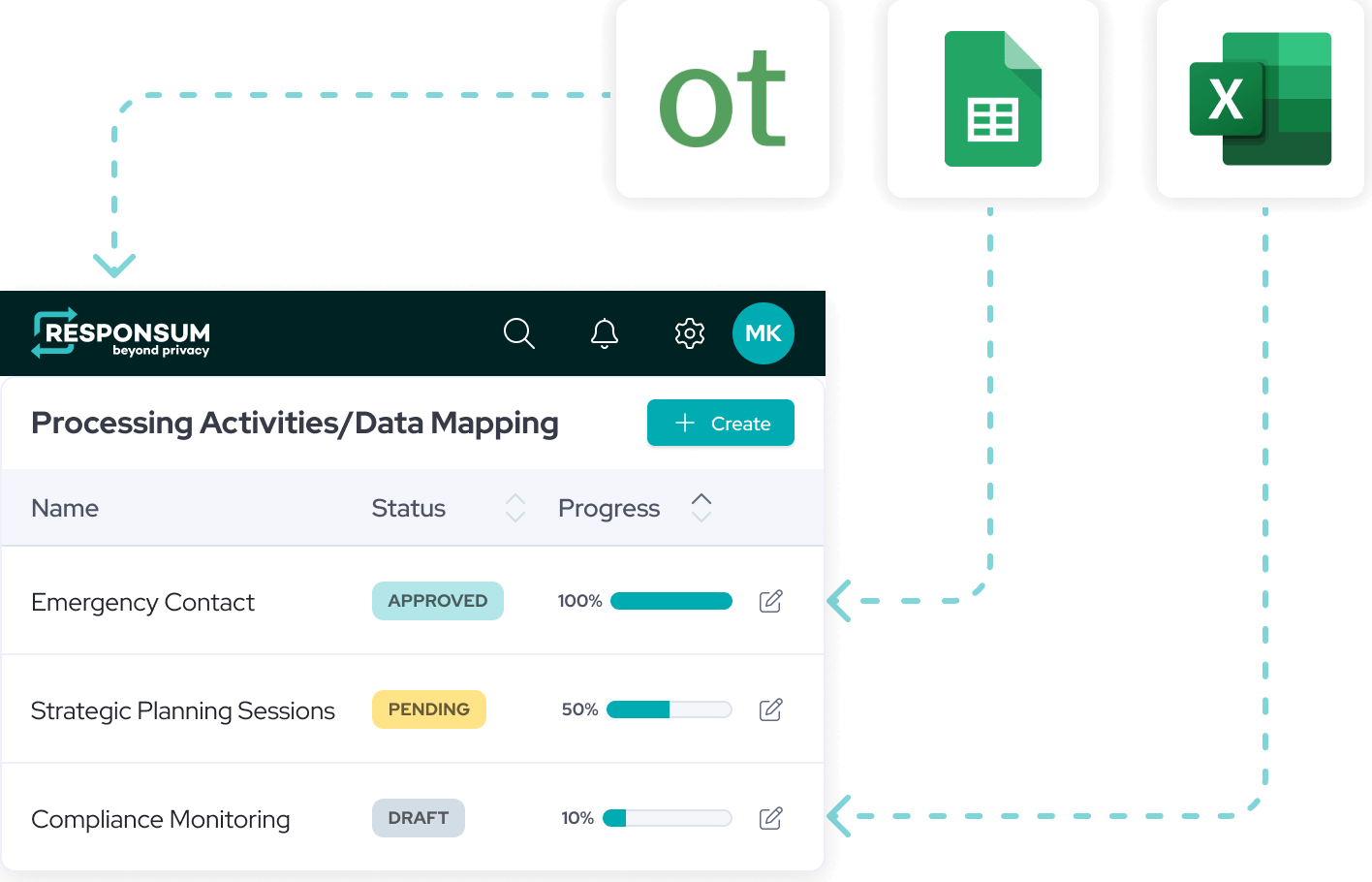
Responsum is built for teams that want their privacy tool to be a workspace, not just a database.
Security awareness built in
Modules that work together
In Responsum, modules are linked by default. Update a data category in your data dictionary, and every processing activity that uses it updates with it. Create your own relations and fields to match how your organization works.
Faster time to value
Transparent pricing
Comparison table
Responsum vs. OneTrust at a glance
| Feature | Responsum | OneTrust |
|---|---|---|
| Best for | Mid-sized and enterprise teams in the EU that want to move fast | Large enterprises with complex, global programs |
| Security awareness | E-learning and phishing simulations in every package | Privacy training as a separate module2 |
| Data mapping | Collaborative, questionnaire-led, records linked automatically | Automated system scanning via Data Discovery5 |
| Time to go live | 1 day to 8 weeks, depending on complexity | About 3 months on average3 |
| Business contributors | Unlimited free guest users, no account needed | |
| Regulatory coverage | Strong GDPR and EU focus | Research across 300+ jurisdictions via DataGuidance6 |
– = not found in OneTrust’s public documentation.
Seamless migration from OneTrust
- Onboarding and migration typically take 1 day to 8 weeks, depending on complexity
- Works with any starting point: Excel, OneTrust or another tool
- Set-up and data import included in every package, with hands-on training for a confident start
The migration process: how it works
Teams that find OneTrust heavier than they need often switch to a more focused tool. Responsum offers a structured Transition Pack and handles most of the mapping for you.
Step 1: Data extraction
You export your existing OneTrust data (RoPA, vendor list, asset inventory) to Excel or CSV.
Step 2: Field mapping
Our implementation team maps your custom OneTrust fields to Responsum’s modules, so historical data such as legal bases and retention periods stays intact.
Step 3: Environment setup
We set up Responsum to match your organization: departments, legal entities, users.
Step 4: Batch import
We import your data. Because Responsum uses a data dictionary, your imported records are linked to each other automatically.
Step 5: Validation and training
You review the imported data, and we train your team on the new interface.
Comparison table
Key differences in day-to-day work
| Feature | Responsum | OneTrust |
|---|---|---|
| Time to go live | 1 day to 8 weeks, managed by our in-house team | About 3 months on average3 |
| Platform structure | One platform: update once, reflected everywhere | Separate products, such as Data Discovery,5 DataGuidance6 and Privacy Training2 |
| Pricing | Three packages, set-up and import included | Modular and usage-based4 |
| Security awareness | Training and phishing simulations in every package | Separate training module2 |
Why teams make the switch
User adoption
Business owners outside the privacy team need to contribute without training. With free guest access and no account needed, self-service compliance becomes realistic.
Consolidation
Teams want to stop paying for a separate phishing and training tool (such as KnowBe4) on top of their privacy platform. In Responsum, both are in every package.
Time for actual privacy work
Smaller privacy teams want to spend less time managing their software and more time on the work itself.
Leading experts trust Responsum

"We were already keeping a good RoPA, but when we uploaded it into Responsum, it was such a relief to see our data instantly available for all the other modules. It just made things so much smoother!"

"After a year of use, Responsum feels like a once-a-week part-time law student doing the administrative work for our privacy team."

“Our main objective was to find a tool that could map our processing operations and track obligations, streamlining the DPO’s responsibilities. Fortunately, this tool brings together many more of the DPO’s tasks, ultimately making their work easier.”

“As a data protection consultancy, having all our compliance documentation in one secure place is crucial, and Responsum makes it happen. The phishing modules and training are a great bonus.”

“Having used Responsum for a while, I can attest to its instrumental role in ensuring GDPR compliance efficiently. The intuitive interface and responsive customer support make it easy to use, even for non-tech users.”

“Responsum team supported in a swift and efficient way with the implementation of both Incidents and Data Mapping modules, allowing us to prioritize immediate requirements and seamlessly build towards a broader compliance framework.”

“Responsum has repeatedly shown its value as a best-in-class privacy management tool. It has continued to meet the requirements of our global business through intelligent features, continuous improvement and, above all, their customer success team.”

“Responsum fully enables Swinz’s ethical objectives of transparency and respect for data privacy.”

Important watch-outs before you switch
Complex custom workflows
If you’ve built complex, multi-stage workflows in OneTrust, ask us to show how we’d replicate that logic early in the demo.
Historical assessments
RoPA and vendor lists migrate easily, but the audit trails of old assessments are harder to move. Most teams keep a read-only archive of their old OneTrust reports for 1–2 years while starting new assessments in Responsum.
FAQ: OneTrust alternatives
What are alternatives to OneTrust for privacy management?
Besides OneTrust, privacy teams often shortlist TrustArc, DataGuard, Dastra, Caralegal and Responsum. See our comparison table for how they compare, based on each vendor’s public documentation.
Why do organizations switch from OneTrust?
The most common reasons we hear: getting business owners to actually use the tool, consolidating privacy and awareness tools, and spending less time on software administration.
Does OneTrust include built-in security training?
OneTrust offers privacy training as a separate module, with a library of courses including phishing awareness.2 Responsum includes e-learning and phishing simulations for up to 250 people in every package.
Is Responsum easier to use than OneTrust?
Responsum is designed so business owners outside the privacy team can contribute, with unlimited free guest users who don’t need an account. The best way to judge is to try it: start a free trial.
How does Responsum handle migration from OneTrust?
Our team exports, maps and imports your data, then trains your team. Set-up and data import are included in every package, and most migrations take 1 day to 8 weeks.
What should teams consider before switching from OneTrust?
Check how your custom workflows would translate, and plan to keep an archive of old assessment audit trails for 1–2 years.
Sources
- Forrester Wave™: Privacy Management Software, Q4 2025, OneTrust named a Leader. OneTrust announcement, 2 Dec 2025
- OneTrust Privacy Training, sold as its own module. OneTrust product page
- OneTrust Privacy Automation: average time to go live 3 months, as reported by reviewers. G2, checked November 2026
- OneTrust pricing is modular and usage-based. Vendr buyer guide, February 2026
- OneTrust Data Discovery scans structured and unstructured data across systems. OneTrust press release, 23 Apr 2020
- DataGuidance regulatory research covers 300+ jurisdictions. OneTrust press release, 16 Oct 2024
Get compliant and build trust fast